
Gates & Security
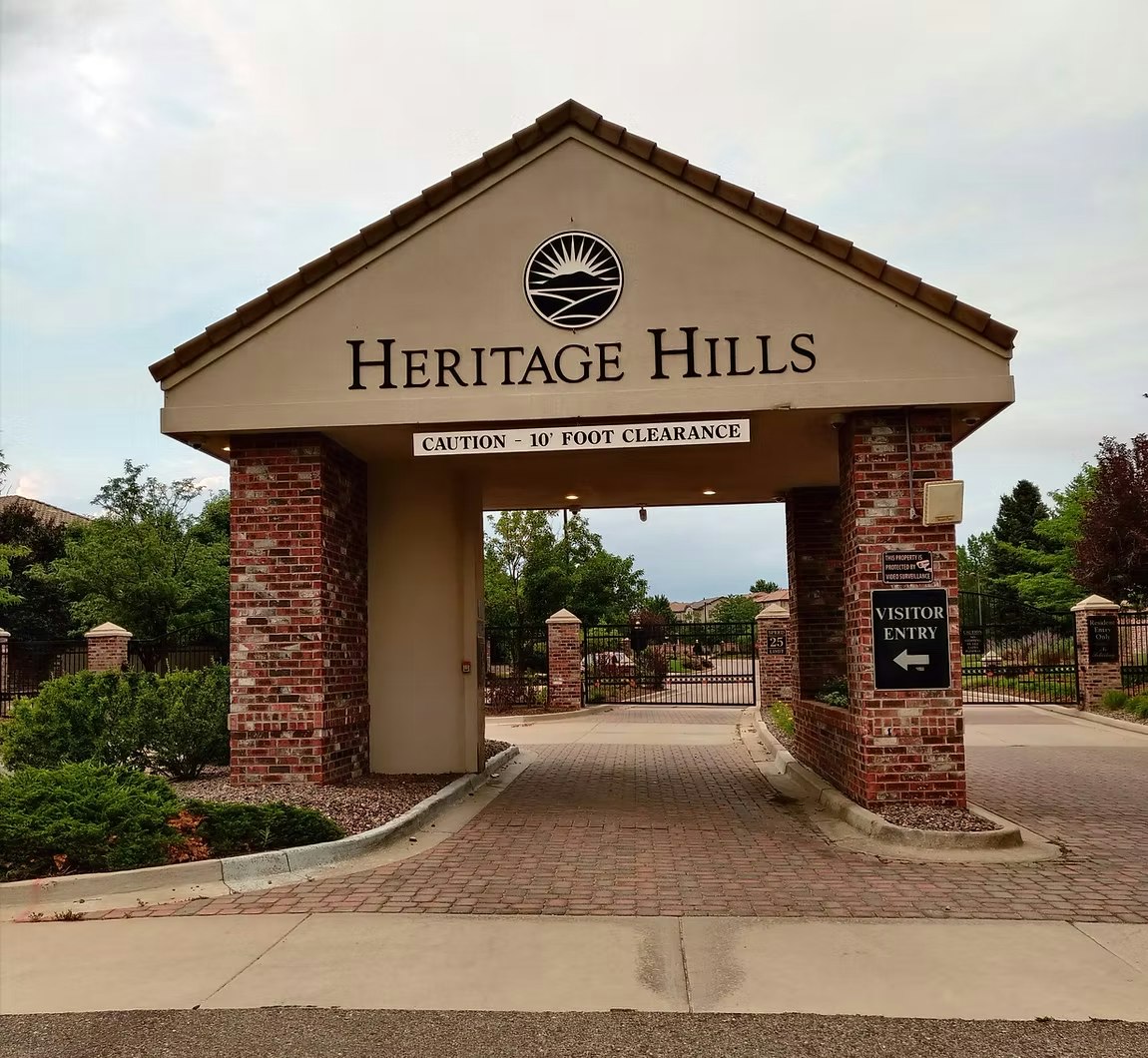
The Heritage Hills Metro Board has a goal to streamline our security process and create a more secure neighborhood. The Board has employed Wizard Works to help them achieve that. Several initiatives are in place to consider gate closure 24/7 and other mechanisms.
The Heritage Hills Metro Board has met with Lone Tree Police Department (LTPD) to enhance our relationship and dialogue with LTPD and local first responders. More to come.
The Heritage Hills Metro Board has also been working with Wizard Works to test a quick close barrier arm to help prevent cars from “piggy backing” into the neighborhood.
The District has partnered with Flock Security Systems to enhance communication with local law enforcement.
📱 COMMUNITY BY MyQ APP
Heritage Hills Metropolitan District provides residents with access to the Community by MyQ app as an additional option for community gate access, while also providing residents with the convenience and control of granting gate access to their guests and visitors.
The Community by MyQ app allows residents to:
- Provide temporary gate access for guests and visitors
- Create and manage guest passes directly from their phone
- Use the app as an additional or backup method of community gate access when needed
- Access authorized community entrances and amenities directly through the app
🔗 Getting Connected
Community by MyQ access is provided to Heritage Hills residents through an invitation link from the District.
Need an access link? If you have not received a Community by MyQ invitation or need a new access link, please contact the management company directly at chasity@frommco.us to request access.
When requesting access, please provide an individual email address and individual cell phone number for each person requesting access, along with your residential address within the Heritage Hills Metropolitan District. All information will be verified prior to an access link being provided. Community by MyQ requires an individual email address and cell phone number for each individual user in order for the app and access credentials to function properly.
- Each access link can only be activated and used on one mobile device. If more than one household member would like access, each person must request their own individual access link using their own email address and cell phone number.
Once your invitation has been received:
1. Download the Community by MyQ app to your phone or device.
2. Open Your Invitation Link
Open the invitation link sent to your email and follow the prompts to create or connect your account.
3. Connect to Heritage Hills
Once connected, your authorized Heritage Hills access points will appear within the app.
💡 Important: If you do not see the invitation email in your inbox, please check your junk or spam folder before requesting a new link.
Creating a Guest Pass
From the Community by MyQ app:
Guest Pass → + New → Choose a Pass
Follow the prompts to complete the guest pass and be sure to verify the date and access times before sending it to your guest.
Need a Little Help Getting Started?
Watch the short Community by MyQ training video for a helpful walkthrough of the app, including how to navigate its key features and manage community access.
▶️ Watch the Community by MyQ Training Video:
https://youtu.be/5xXp3PmKjtM?si=lfReEJNG45VoyFlW